

Skip to content
Get the app
EN

Your riding life, all in one place

More time in the saddle.
Less to organise.

Care, planning, hacks and yard life. Your activities together, with or without a club.

iPhone, Android, tablet and computer.

Download on the App Store Get it on Google Play
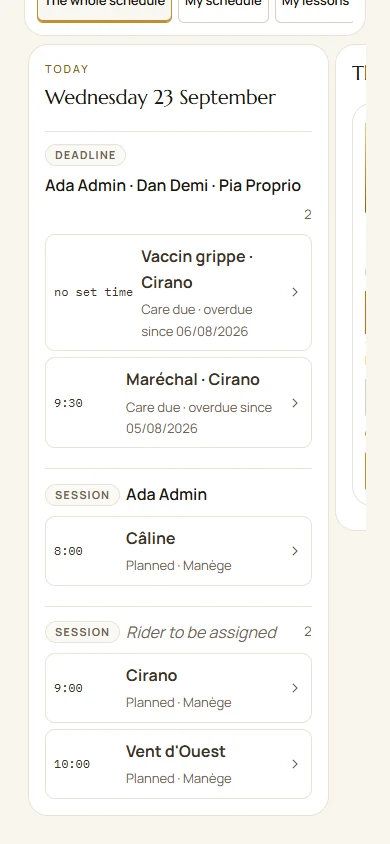
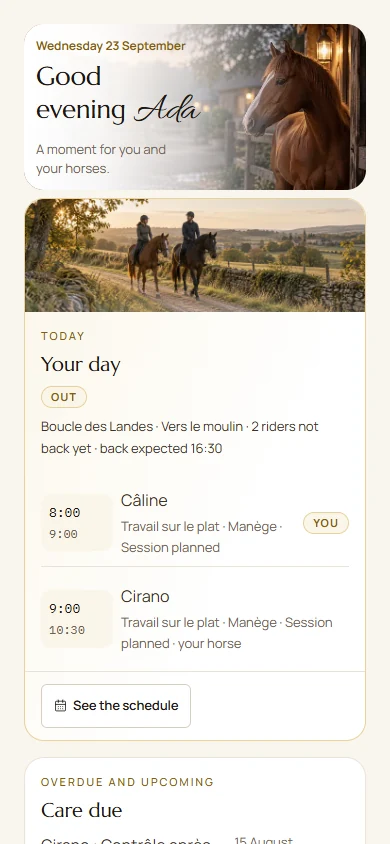
Your day at a glance
The Paddoco home screen: today's sessions and upcoming horse care.
Screenshot from September 2026. Demonstration data.

Inside Paddoco

Your features on screen.

Choose a feature. Enlarge a screenshot.

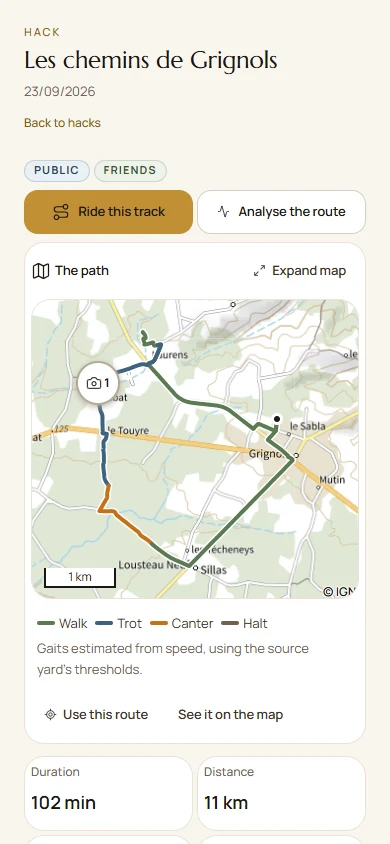
Out together

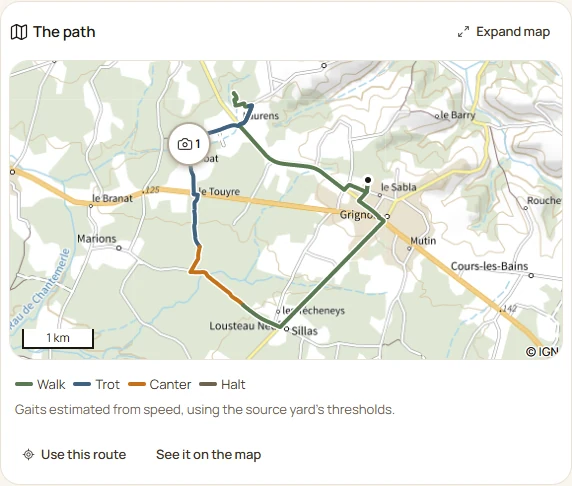
A route to remember.
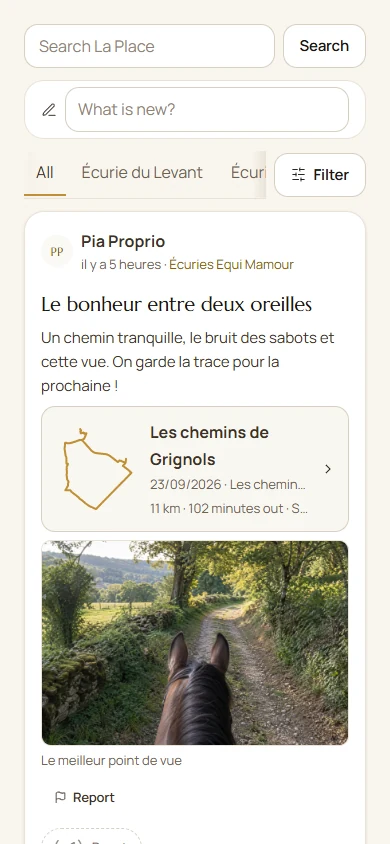
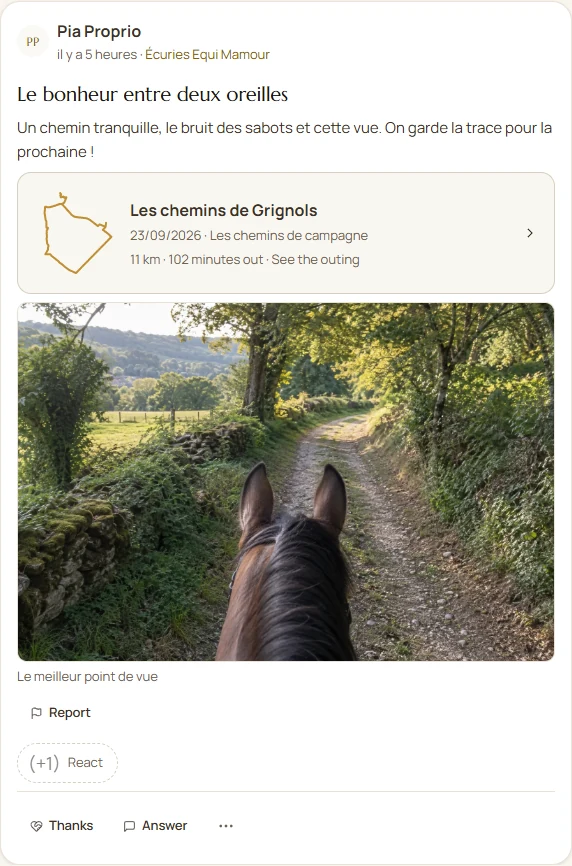
A ride worth sharing.

A map, your photos and the riders to share them with.

Explore hacking in Paddoco

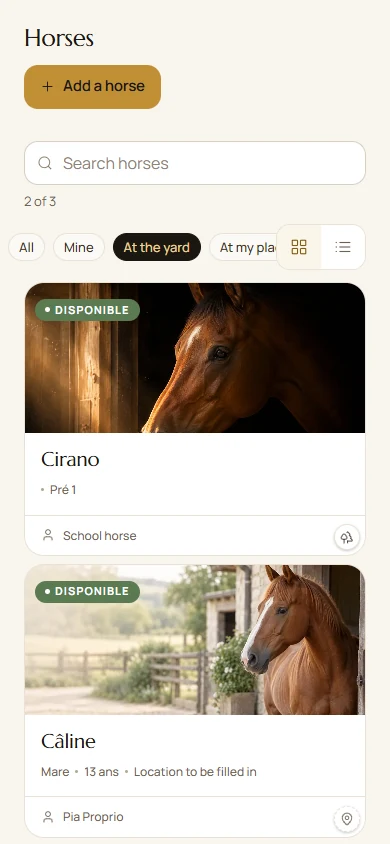
Screenshots from September 2026 with fictional data. The guides describe current steps. Tap an image to enlarge it.

Yards and equine professionals

Get organised. Stay on track.

One place for your team and the riders who rely on you.

Created at a yard

Easy to use. Thanks to you.

Thank you to our community: your feedback helps Paddoco grow and improve.

The getting started guide
What’s new in Paddoco?
  • Prepare, then ride2D plans, 3D views, equipment and a Print / PDF sheet.
  • Keep a meaningful memoryHack and ridden-session films, with duration, photos and sharing options.
  • Learn and pass on knowledgePersonal training and learner records with sharing you choose.
  • Get guidancePractical help and Fara, within your account permissions and limitations.
Find the practical steps in the guide
Can I use it without a yard?

Yes. You can use Paddoco for your horses, exercises and hacks, then join a yard later.

Who can see my information?

Access depends on yard permissions and what you choose to share. Check your selected circle before posting.

Read the privacy policy
How do I share a film?

Open the outing or ridden session’s memories. Choose the available data, photos and options, review the preview, then download or share the file. Publishing on La Place remains your choice.

Can I hide my street address?

Yes. Your professional profile can show just your town or village and postcode. An existing profile can switch to Town only; the address in the administrative application remains private.

Do I need to install the app?

No. Open Paddoco in your browser on a computer, tablet or phone. The iPhone and Android apps are also available if you prefer to install them.

Open in your browser

Over to you

In the saddle, with Paddoco.

Open Paddoco, create your account or sign in.

A question before you start? Get in touch.

This form opens your email app. Your message is not sent to the website server.