
Location sharing
A rider is trusting you with their location. For the length of their ride.
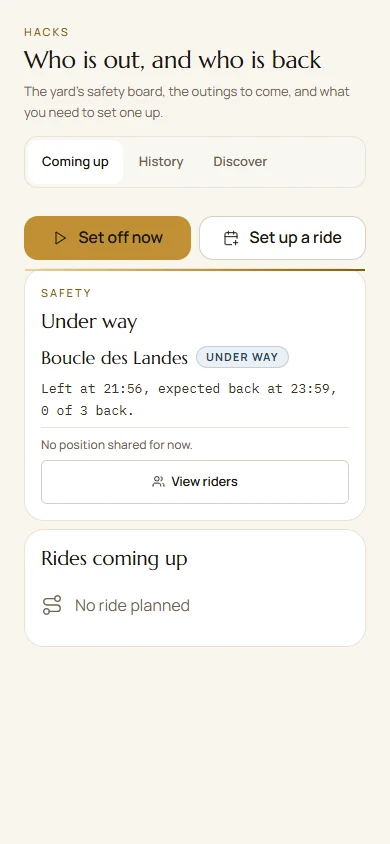
Live tracking happens in the Paddoco app, for the people the rider has authorised. This page does not show any location.
Free on iPhone and Android. Then open the link you received again.
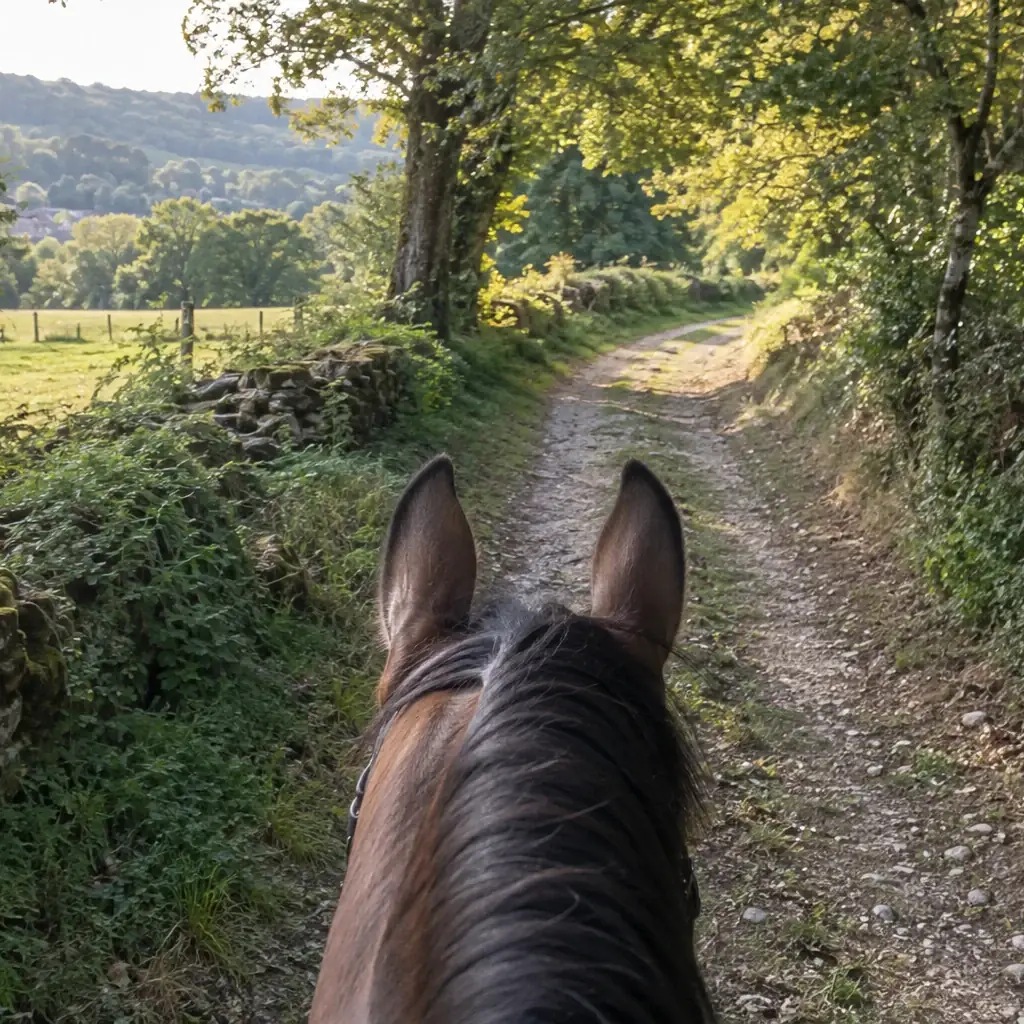
In three steps
From the link to live tracking
-
Install Paddoco
From the App Store or Google Play. The app is free.
-
Open the link again
Once the app is installed, open the sharing link again.
-
Follow their ride
During the ride, Paddoco shows you where the rider is, if you are one of the people they have authorised.
Designed for safety
The rider decides.
Before setting off, the rider prepares the ride in Paddoco and decides who to share their location with.
-
Authorised people only
Being a manager or administrator does not grant general access to the rider’s private location.
-
Just for the ride
The location is shared during the ride. It is not a published route.
-
Tracking stays in the app
This website does not hold the live location, and never invents one.
Good to know
A safety tool, not an emergency service.
-
Tracking can be interrupted
It depends on the network and on the rider’s phone permissions and settings.
-
Fall detection is still experimental
It is not sent automatically to people close to the rider. Depending on the activity’s permissions, it goes to companions on the ride, the organiser, the yard’s authorised team and the horse’s current owners. It can be wrong, and the network can prevent sending.
-
No automatic emergency call
Paddoco does not call the emergency services for you. In an emergency, dial 112.

Follow their ride in Paddoco.
Install the app, then open the link you received again.
Install PaddocoThis link opens the App Store, Google Play or the store page, depending on the device.